Getting it in
Four rounds to install
The installer finds your game through Steam, backs up your original files, then patches a copy. Nothing is changed until it's sure the patch worked.
Download
Get the zip below and unzip it anywhere, like your desktop.
Run it
Double-click SETUP.BAT. The installer finds the game for you, and fetches its patching tool the first time (about 60 MB, once only).
Pick your mods
Tick the ones you want, then press Install. It takes a few seconds.
Fight
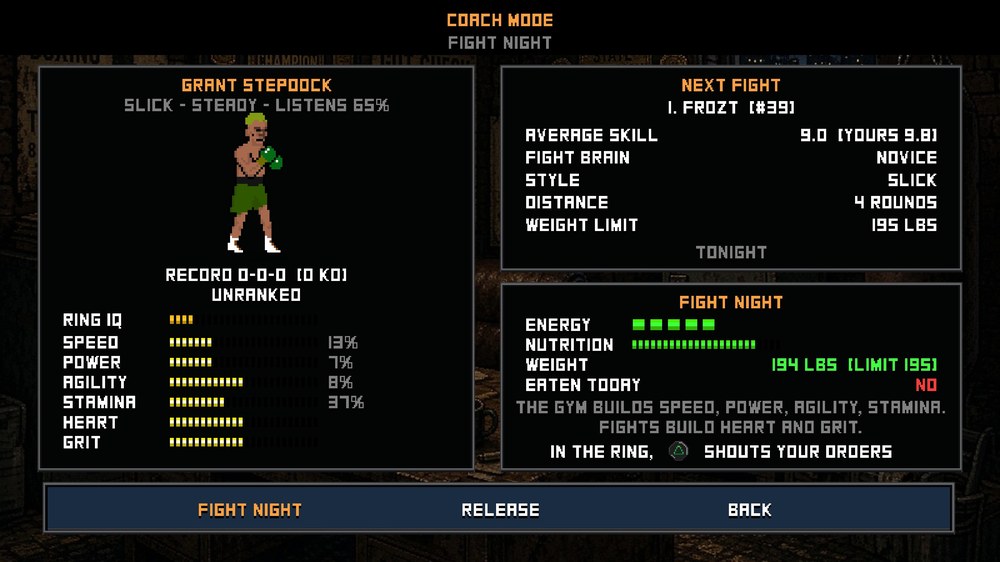
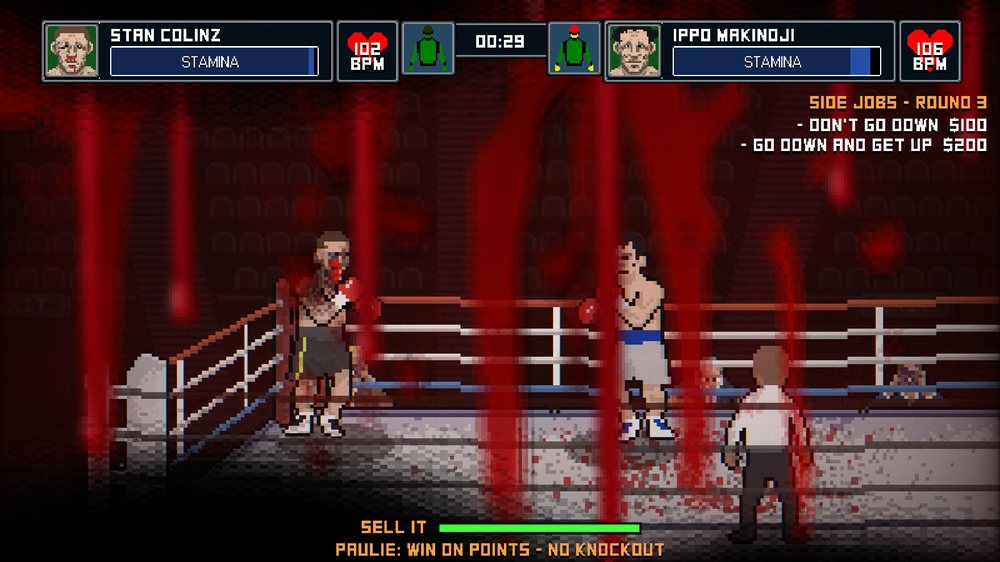
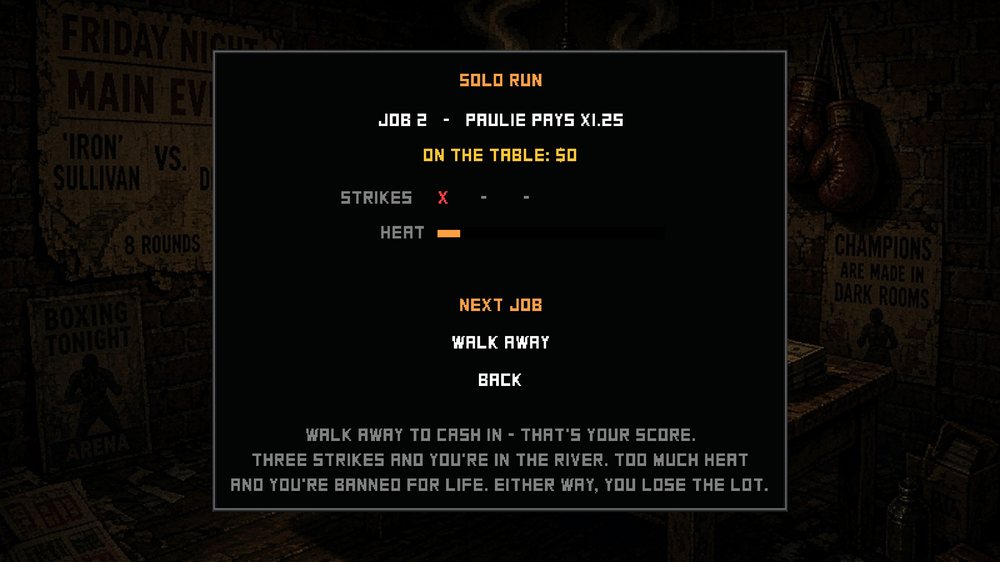
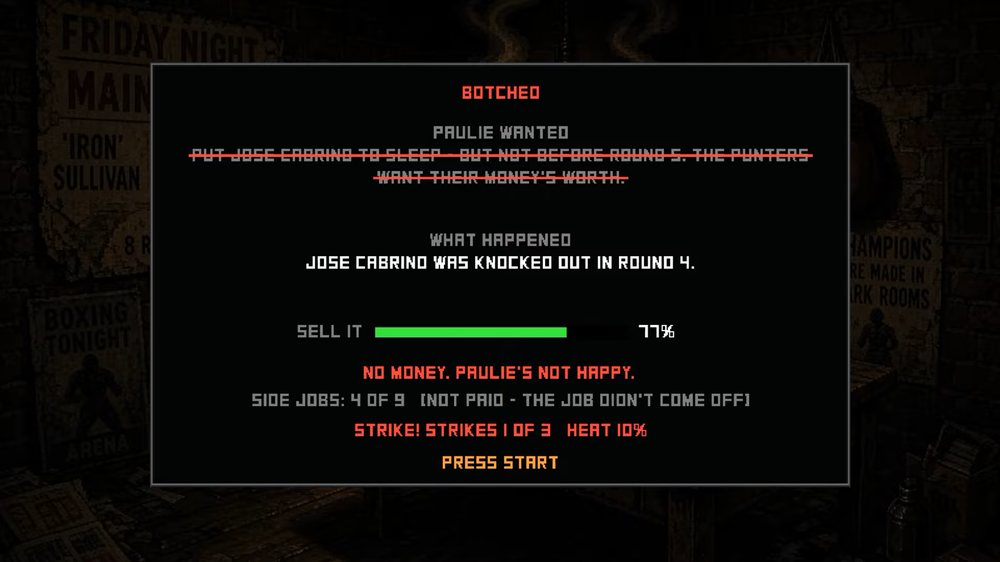
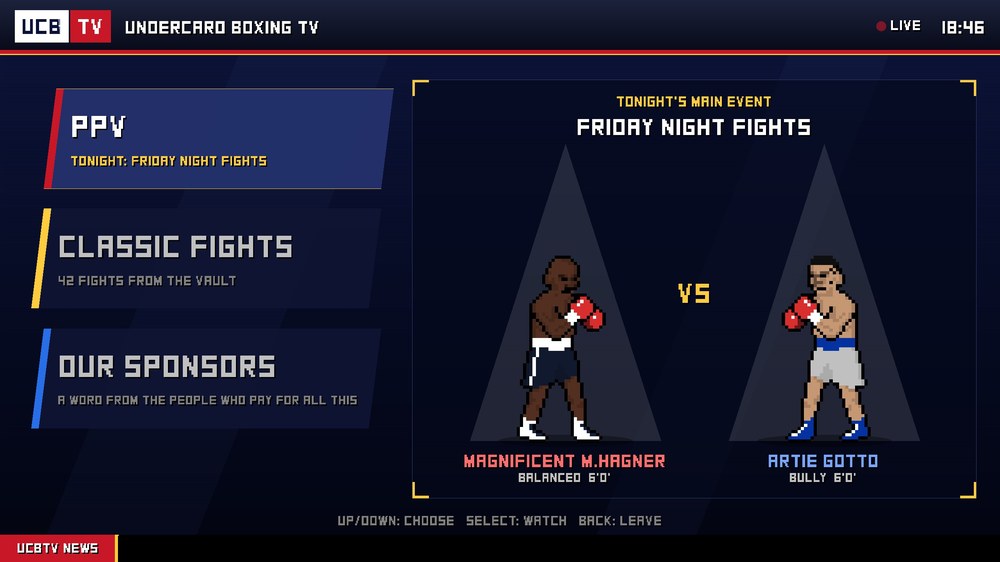
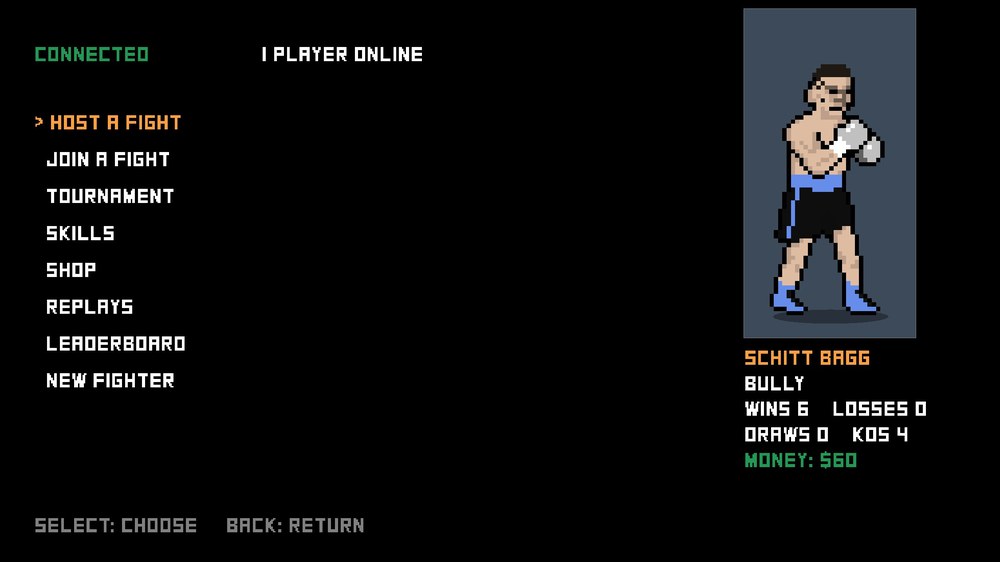
Start the game from Steam and open UNDERCARD on the main menu.
On Steam Deck or Linux: (on the Deck, switch to Desktop Mode first) download and extract the zip, then double-click LINUX SETUP.sh and choose Execute. It finds the game in your Steam libraries (on the Deck or the SD card), or asks you to choose its folder. When it says it's done, play (on the Deck, go back to Game Mode first). (If it opens as text instead, right-click it > Properties > Permissions > tick "Is executable", or run bash "LINUX SETUP.sh" in a terminal in the mod's folder.)
On an ARM handheld running Linux (such as an AYN Thor): install Microsoft's .NET 10 first (once only), by running curl -sSL https://dot.net/v1/dotnet-install.sh | bash -s -- --runtime dotnet --channel 10.0 in a terminal, then follow the Linux steps. The installer fetches the ARM version of its patching tool by itself. One tiny font fix (the letter D) can't be applied on ARM, so it will say some changes didn't fit: that's expected, and everything else works.
On Mac (Apple silicon, M1 or later): unzip the download and double-click MAC SETUP.command (the first time, right-click it > Open > Open). It finds the game in Steam, patches it and signs the app again so macOS will still open it. Intel Macs aren't supported yet.
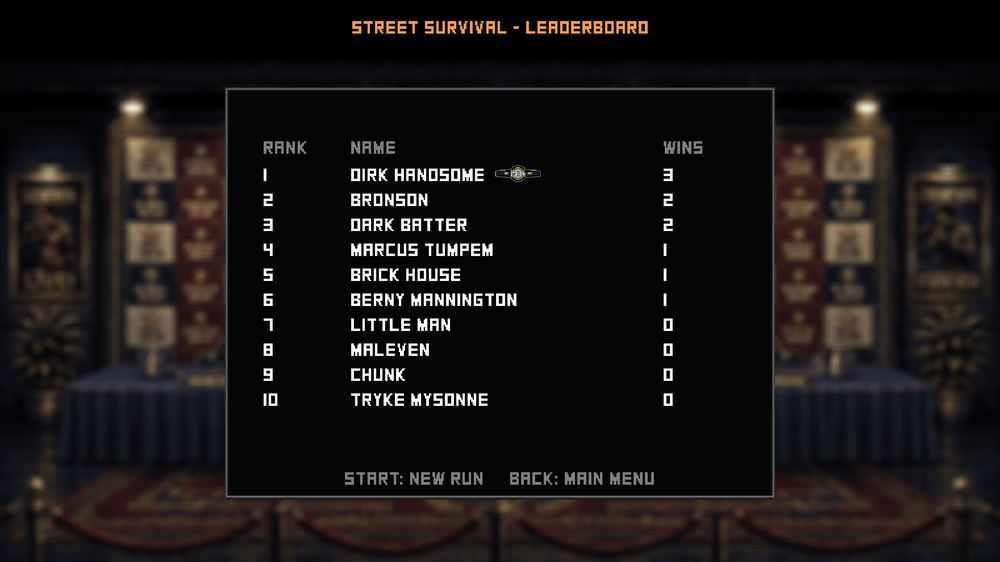
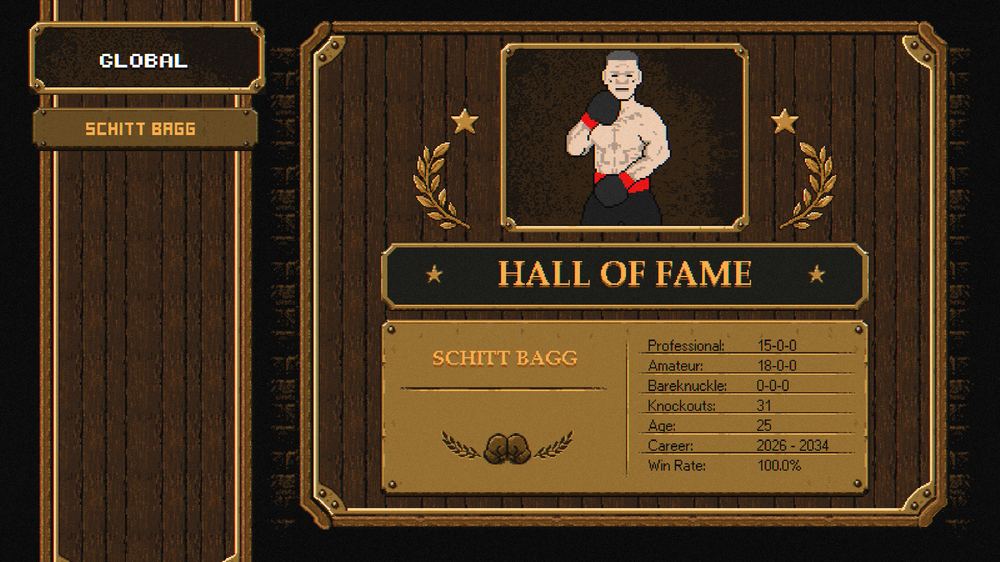
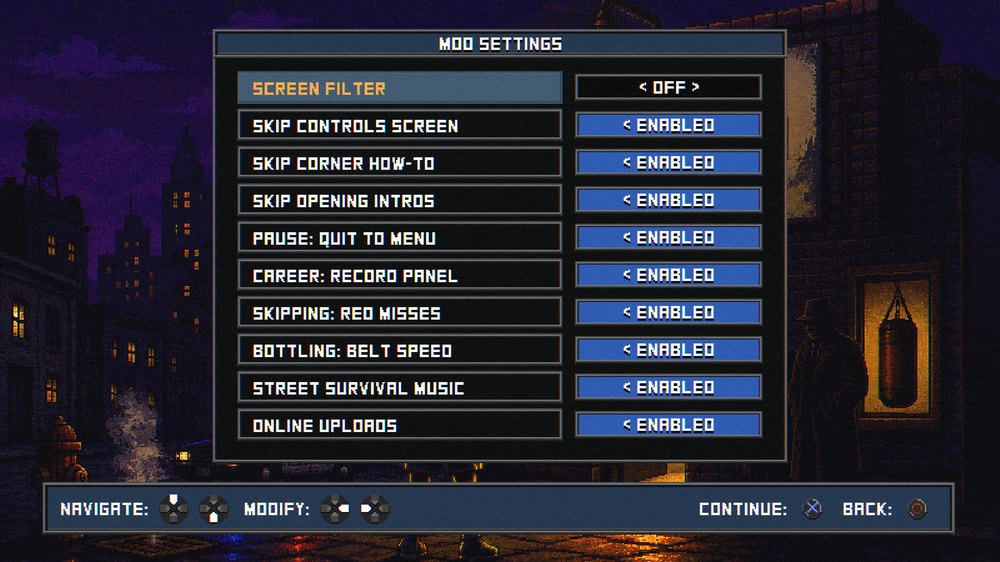
Your data: the online features (the Hall of Fame, the leaderboards, Online play and fight stats) only send what they need to work: your fighters' names, looks, stats and results. Never your Steam account, email address, real name or any files from your PC. Like any website, our server sees your IP address; it's kept with leaderboard entries only to stop spam and cheating, and is never shown, sold or passed on. Fight stats are anonymous, with no names and no IP address kept, and are only used to tune the CPU fighters. Rather not take part? Switch off Online uploads and Share fight stats in Mod Settings and nothing of yours is uploaded.
After a game update: Steam replaces the patched files, so just run the installer again. New versions of the mod: the installer tells you when one is out and can download it for you. To remove the mods: run the installer and press Uninstall. Your original files are put back exactly as they were.