Read this first
Mod Settings
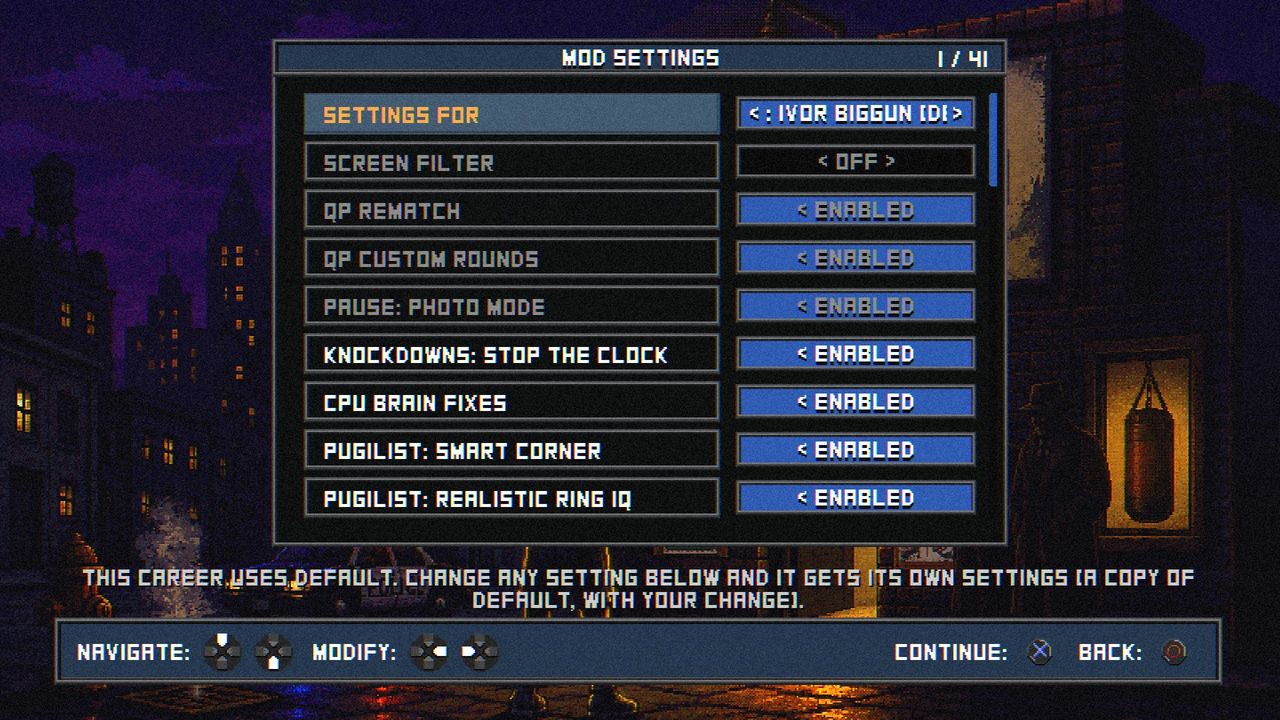
Open Options > Mod Settings from the main menu. Each addition below has its own row, named here exactly as it is in the menu, like this:
Weight divisionsDisabled >Weight divisions< Enabled
- Off to start: every switch that changes a career starts off. Flip them on or off whenever you like, even mid-career.
- Settings for each career: the top row, SETTINGS FOR, picks whose settings you're changing. DEFAULT covers the main menu, Quick Play, Online and every career without its own. Pick one of your careers and change anything, and that career gets its own settings (a copy of DEFAULT with your change), used whenever it's loaded. So one career can have the full business while another plays it straight.
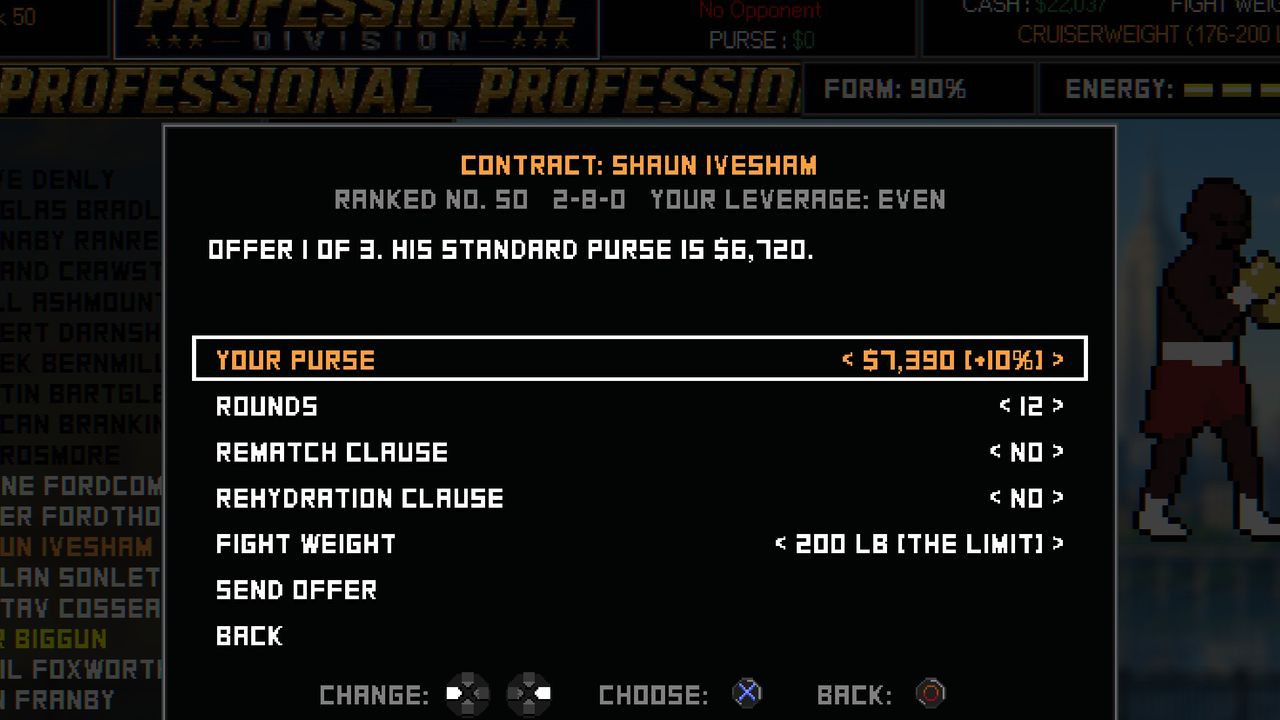
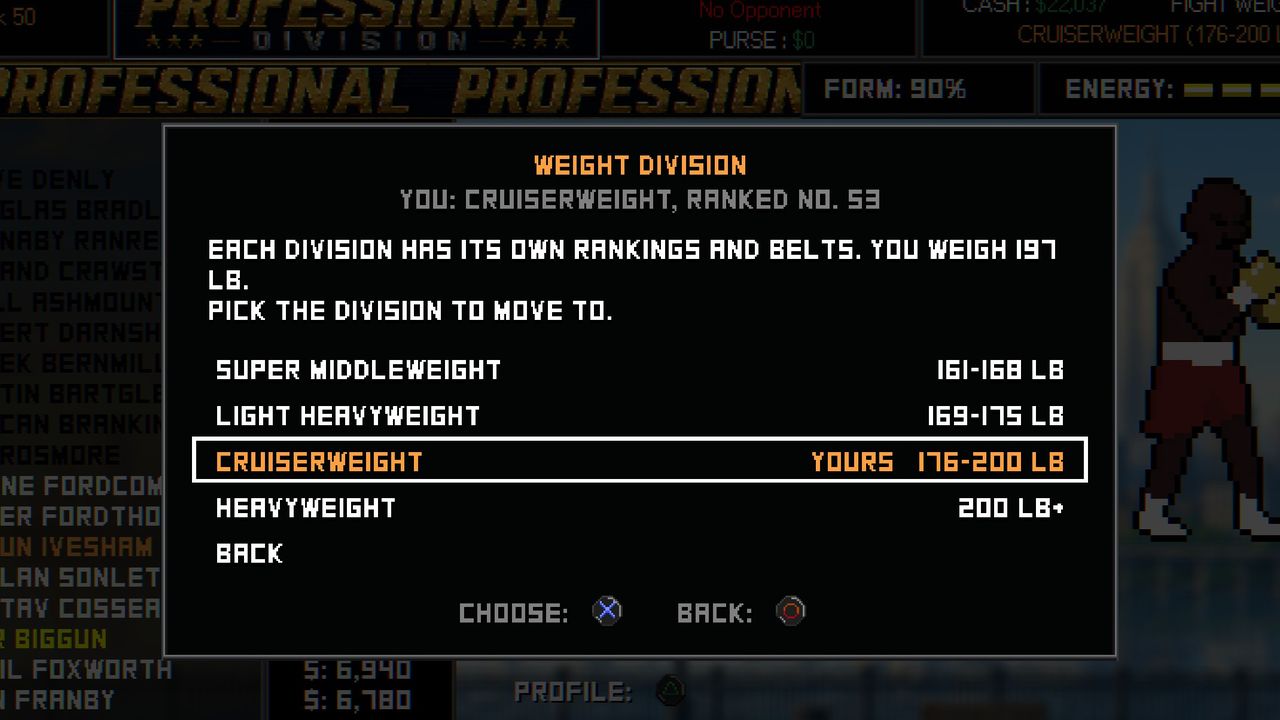
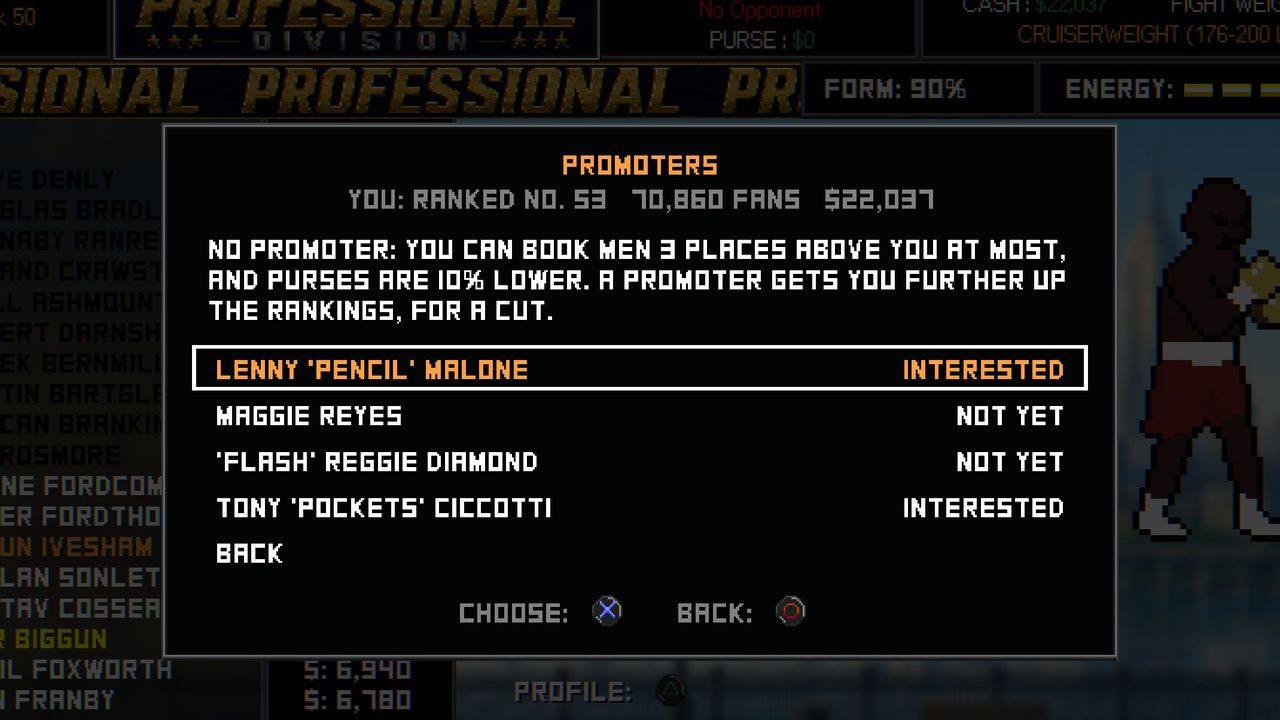
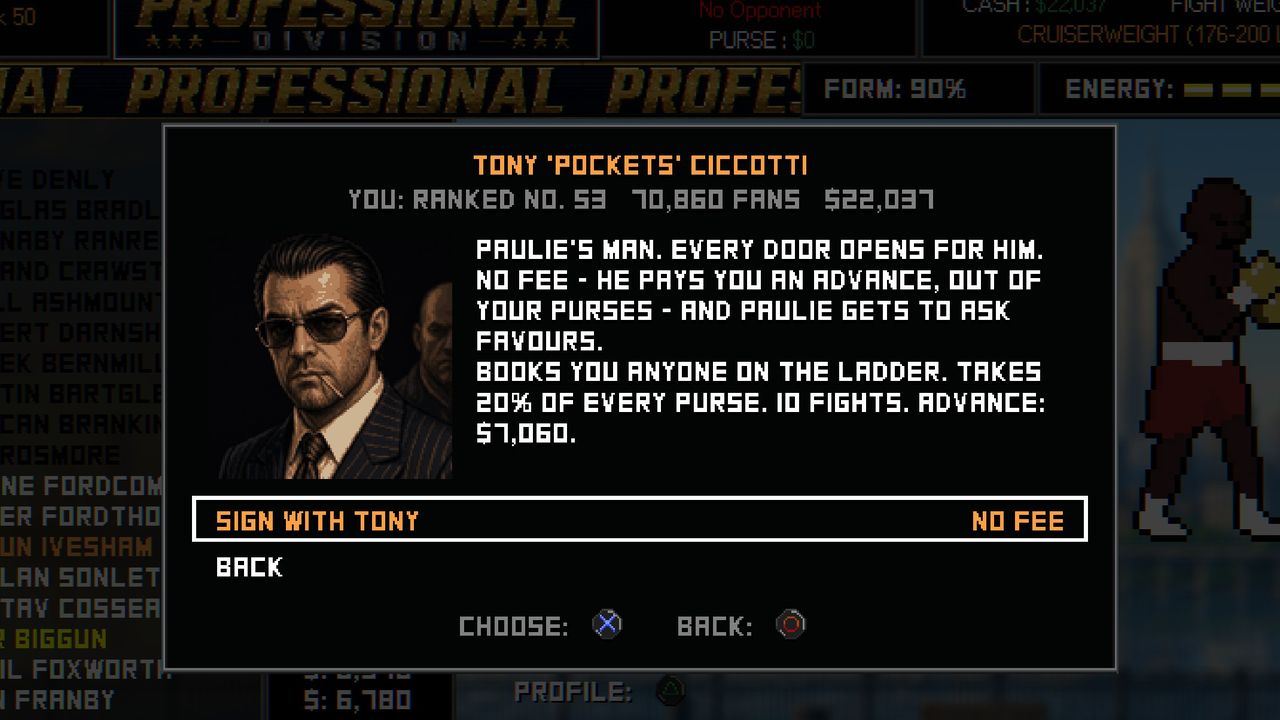
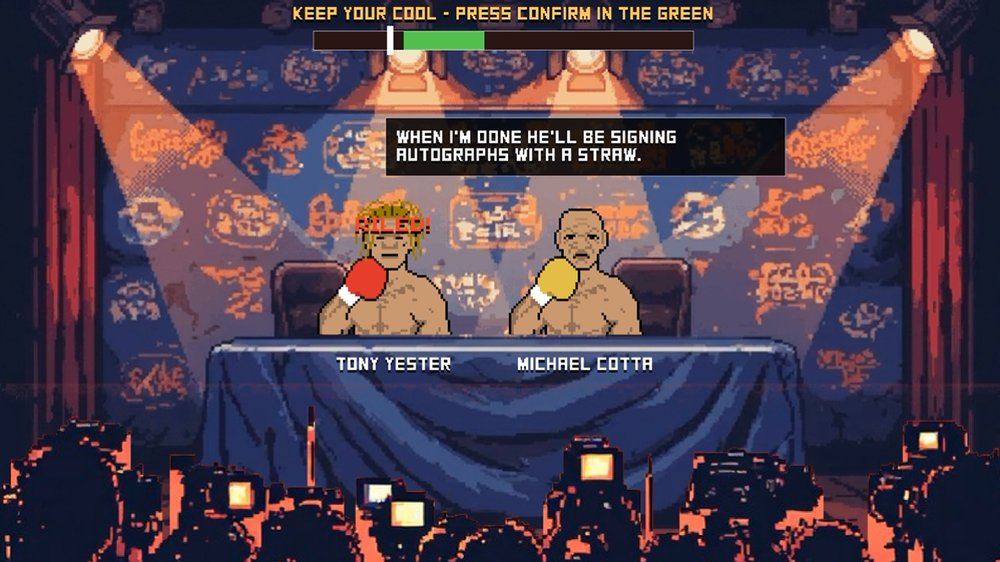
- CAREER PLUS, for the lot: the row under SETTINGS FOR switches on the full modded career in one go (the fight rules, the Pugilist set to HUMAN, divisions, promoters, tournaments, press conferences, ring walks for big fights, the fight camp and the rest) for whichever settings you're changing. While it's on, those rows are greyed and held; switch it off and they go back to what you had. It's best from a new career, on Pugilist: Elites.
- Tick the mod too: Fight Business, Tournaments and Press Conferences are their own mods in the installer, and their switches only show up when they're installed. They're all ticked as standard.
- Each row explains itself: highlight a setting and its description shows at the bottom of the menu. Hold up or down to scroll, or use LB/RB (L1/R1) to jump a page.